Secure Your Account
Secure Your Account with Multi-Factor Authentication (MFA)
Strengthen your eWaiverPro account's security by enabling Multi-Factor Authentication (MFA). This feature adds an extra layer of protection through email verification.
How MFA Works
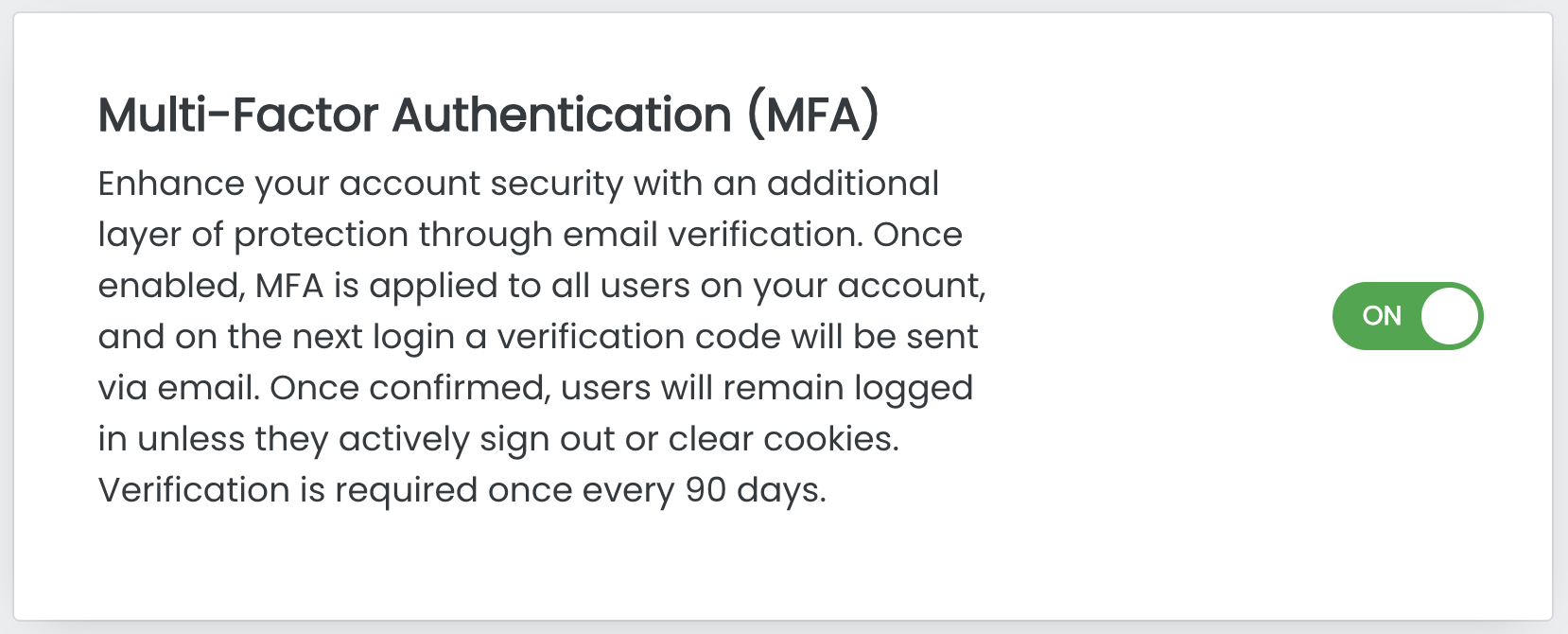
Once enabled, Multi-Factor Authentication (MFA) applies to all users on your eWaiverPro account. On their next login, each user will receive a one-time verification code sent to their registered email address to confirm their identity before accessing eWaiverPro.
- After verification, users will remain logged-in unless they manually logout or clear cookies.
- Verification is required once every 90 days.
How to Enable MFA
The account owner can enable MFA from the Account Management page

If using Incognito or Private browsing, re-verification will be required each time the browser is closed as cookies are not saved.
Related Articles
How to Cancel Your Account
We hate to see our clients leave, but if you must cancel your account we have made it simple: In accordance with our security, privacy, and data retention policies; the account owner is the only person who initiate the cancellation from within their ...What happens to my data if I cancel my account?
We hate to see you leave, but in the event you your account account, all client data and waiver PDF's remain accessible in our system for approximately 30 days. We highly recommend that you visit the Import / Export section of your account and ...Adding users to your account
It's simple to add users, and all eWaiverPro accounts include unlimited users no additional cost. There are 5 types of users: Account Owner (Full access) Super Administrator (Full access including billing and locations, the same as owner) ...How to Setup MailChimp Sync
Setting up MailChimp Sync with eWaiverPro is simple. Create a new API Key from MailChimp: https://mailchimp.com/help/about-api-keys/ To generate the MailChimp API key, follow the following steps. Navigate to the API Keys section of your MailChimp ...Pricing Terms and Conditions
General Terms and Conditions for all Subscriptions All monthly, annual or upgrade subscription plans are non-returnable and non-refundable. You may change your subscription preferences to your account at any time. If you allow your subscription to ...